Track job expenses, without chasing receipts later.
Track job expenses, suppliers, categories, receipts and notes in one simple place, giving your team better job costing visibility while keeping every cost connected to the work it belongs to.
See expense tracking in action
Watch a quick walkthrough of how SimplySub helps subcontractors track job expenses, attach receipts and proof, connect costs to the right job, and keep the office organized.
- See how expenses are logged by job, supplier, category, and date
- Attach receipts, photos, invoices, notes, and supporting files
- Give the office cleaner job cost records without chasing receipts
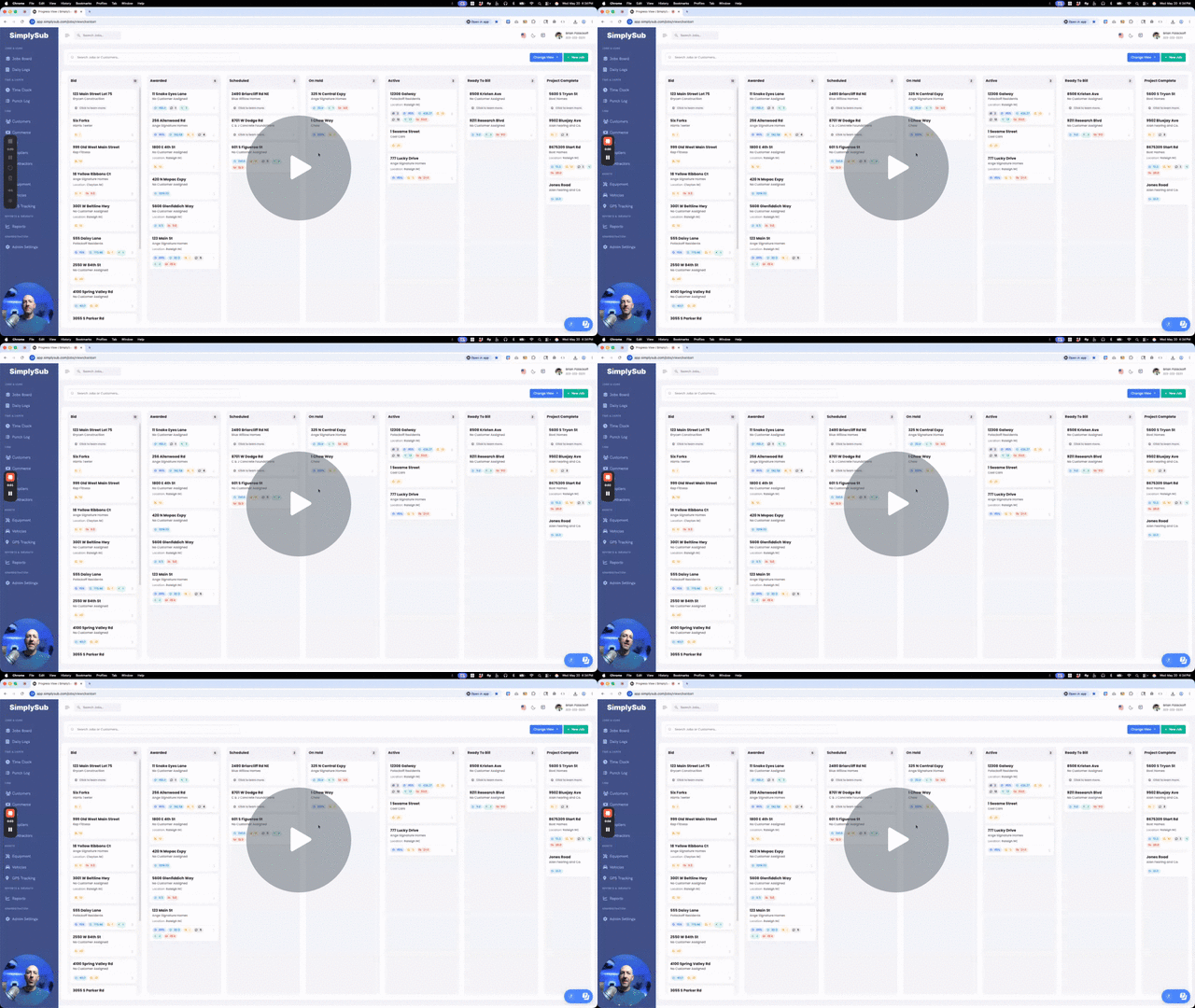
Job expenses stay connected, instead of scattered everywhere
SimplySub helps your team capture job costs as they happen, attach receipts and proof, and keep expenses tied to the right job, customer, supplier, category, and date.
Simple Expense Tracking
Log expenses with the amount, supplier, category, date, notes, and job they belong to.
Receipts and Proof
Attach receipts, photos, documents, invoices, and notes so backup is already there.
Cleaner Job Cost Review
Give the office expense records that are easier to review, report on, and use for billing support.
Built for simple job expense tracking
Expenses happen fast in the field. Materials get picked up. Fuel gets purchased. Parts get bought. SimplySub helps keep those costs from disappearing into glove boxes, texts, and forgotten receipts.
- Log expenses by job, customer, supplier, category, amount, and date
- Add notes so the office understands what the expense was for
- Attach receipts, photos, invoices, and supporting files
- Keep expense records connected to the right job and supplier
- Review job-related spending by job, supplier, category, and date
- Help support billing, reporting, job review, and customer questions later
Keep each expense tied to the correct job instead of floating around in a spreadsheet.
Track who the expense came from so supplier-related costs stay easier to review.
Attach receipts, invoices, photos, and notes directly to the expense record.
Find what was spent, where it belongs, and what proof supports it.
What expense tracking actually gives you
Simple expense tracking for cleaner job costs, fewer missing receipts, and easier office review.
Job Expense Tracking
Track job expenses, costs, suppliers, categories, dates, notes, and supporting details.
Connected Job Costs
Keep expenses tied to the job they belong to instead of scattered across spreadsheets.
Supplier Tracking
Track which supplier the expense came from so costs are easier to review later.
Expense Categories
Organize expenses by category so job spending is easier to understand.
Receipts and Proof
Attach receipts, invoices, photos, notes, and supporting files directly to the expense.
Fewer Missing Details
Catch missing receipts, suppliers, notes, or job details before review gets messy.
Cleaner Expense Reports
Review job-related spending by job, supplier, category, date, and amount.
Billing Support
Use cleaner expense records to support invoices, customer questions, and job follow-up.
Office-Ready Records
Give the office cleaner expense records without chasing crews for what was bought.
Easier Job Cost Review
See what was spent, where it belongs, and what proof supports it.
Less Back-and-Forth
Reduce calls and texts asking for missing receipts, notes, suppliers, or expense details.
Save Time Every Week
Spend less time hunting receipts and more time keeping jobs, costs, and billing moving.
How expenses actually get tracked in the real world
These are the everyday job costs that are easy to lose track of. SimplySub keeps them connected.
When someone buys materials for a job
Log the amount, supplier, category, receipt, and job so the cost does not disappear into a text thread.
When fuel, parts, or supplies are picked up
Capture the expense details while the context is still fresh and easier to explain.
When the office needs backup
Receipts, notes, invoices, photos, and supporting files stay attached to the expense record.
When job costs need review
See which expenses belong to which job instead of piecing costs together manually.
When billing questions come up
Pull up supporting expense records instead of searching through inboxes, phones, and folders.
Expense Tracking FAQ
Straight answers about tracking job costs, receipts, suppliers, and expense proof in SimplySub.
It’s easier to track expenses now than to hunt for receipts later.
You do not need more spreadsheets, missing receipts, or messy text threads. Start with one job and one expense, and see how much cleaner job cost tracking can feel.
Built to support your business, not take it over.