Job Management Software for Subcontractors
Manage job details, notes, files, photos, work and equipment logs, time, and billing context in one simple place, without running your subcontracting business through texts, spreadsheets, and memory.
Built to support your business, not take it over.
See job management in action
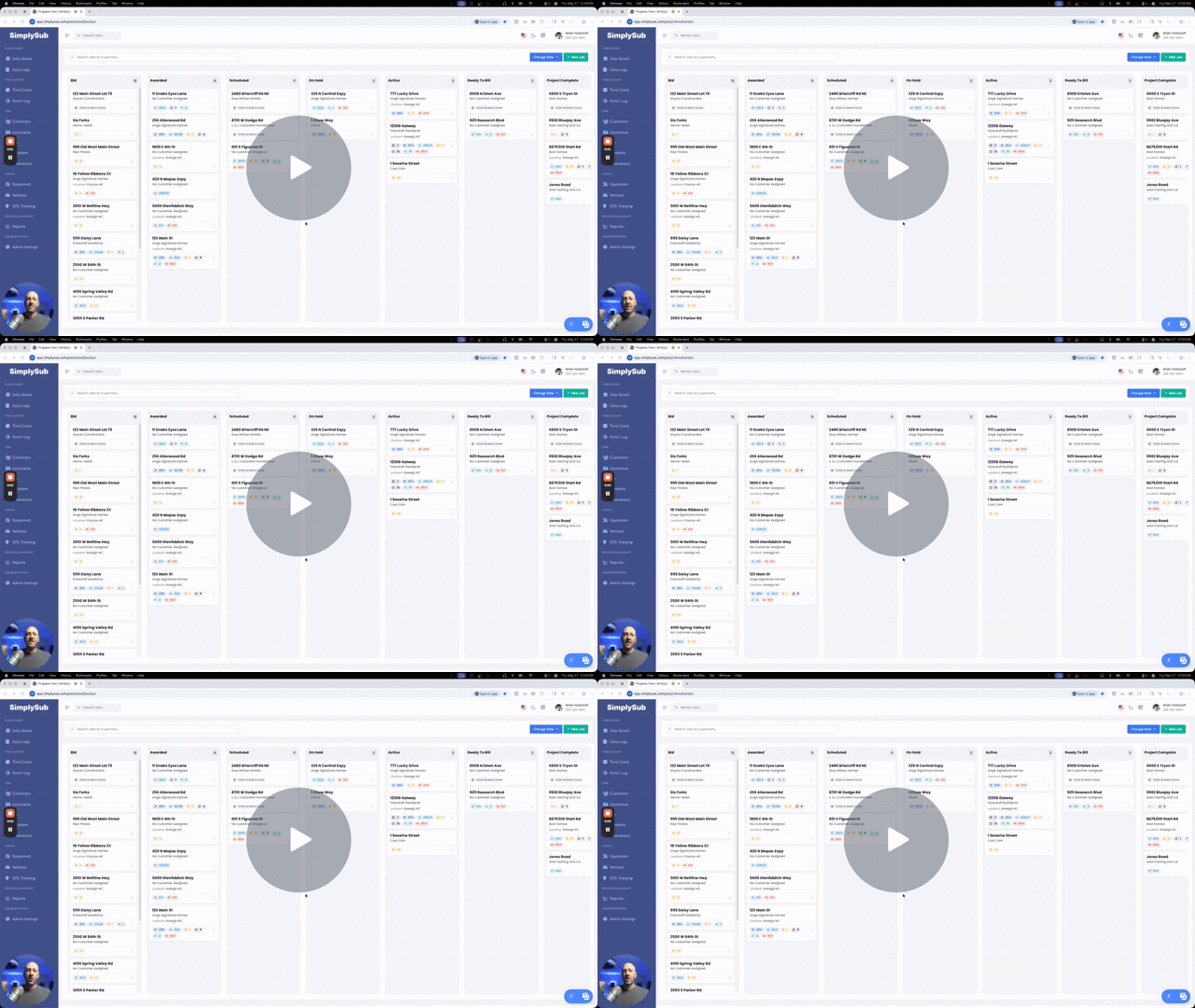
Watch a quick walkthrough of how SimplySub helps owners and crews manage jobs, keep job details tied to the right job, and give the office cleaner records for review and billing.
- See how crews manage jobs from the field
- Keep job details connected to the right job record
- Give the office cleaner job records without paper logs
Job details, field updates, and office records, all in one place
Stop digging through texts, photos, files, notes, and spreadsheets just to figure out what happened. SimplySub keeps job records connected so your office and field stay on the same page.
Simple Job Records
Keep customer details, job addresses, contacts, notes, files, and updates organized by job.
Field and Office Alignment
Give crews and office staff one shared place to see job information without constant calls and texts.
Connected Job Activity
Connect time, daily work logs, punch lists, files, photos, notes, expenses, and billing context back to the job.
Built for simple jobsite management
You do not need a heavy project management system. You need one simple place to manage jobs, field updates, job records, files, notes, and billing context without slowing down the crew.
- Track job addresses, customers, contacts, and jobsite details in one place
- Keep notes, comments, files, photos, and documents tied to the right job
- Manage job punch lists so open items, fixes, and closeout tasks stay tied to the right job
- Connect time tracking, daily work logs, expenses, and field activity back to the job
- Review job activity before billing, customer follow-up, or office questions
- Give the office and field a cleaner way to stay aligned without extra calls and texts
- Keep jobs organized without turning SimplySub into a complicated project management platform
Simple enough for crews to use from a phone, truck, trailer, or jobsite.
The office gets cleaner job records without chasing the field for every update.
Pull up job notes, files, photos, time, work logs, and billing context when questions come up.
Keep job activity connected so important details do not disappear in texts, calls, or memory.
What this actually gives you
Simple jobsite management for cleaner job records, fewer missed details, and less daily chaos.
Simple Job Management
Keep job details, contacts, notes, files, and updates organized in one place.
Jobsite Details
Track job addresses, customer details, jobsite contacts, and key information without digging.
Notes and Comments
Keep job notes and office updates tied to the right job instead of scattered across messages.
Photos and Files
Attach job photos, documents, and files so they are easy to find later.
Time and Activity
Connect labor, time tracking, and field activity back to the job record.
Daily Work Logs
See what happened on the job without rebuilding the story from texts and memory.
Job Punch Lists
Track open items, fixes, and closeout tasks so job details do not fall through the cracks.
Billing Context
Review job records before invoicing, follow-up, or customer billing questions.
Field and Office Alignment
Give everyone a cleaner view of the job without constant calls, texts, and repeated questions.
Cleaner Job Review
Pull up the full job record when a customer, GC, crew member, or office user needs answers.
Connected Job Records
Keep related job information connected instead of scattered across phones, folders, and spreadsheets.
Save Time Every Week
Spend less time chasing updates and more time moving jobs, crews, and billing forward.
How this actually gets used on real jobs
This is the everyday jobsite management your team already does. SimplySub just keeps it cleaner.
When a new job starts
Create a clean job record with customer details, jobsite contacts, address, and notes from the beginning.
While work is happening
Keep time, notes, photos, files, work logs, and field updates connected to the right job.
Before calling the customer or GC
Review the full job record before answering questions or giving an update.
Before billing or follow-up
Check what happened on the job so invoicing and customer follow-up are easier to support.
When jobs get busy
Keep the office and field aligned so important details do not disappear as work picks up.
Why subcontractors need job management software
Most jobsite problems do not start as major disasters. They start as a missing photo, a forgotten note, an unanswered text, or a field update that never reaches the office. Job management software keeps those small gaps from turning into costly mistakes.
Important details get lost in texts
Job updates, customer requests, photos, and crew questions often end up spread across text messages, email threads, and personal phones. When the office needs an answer later, someone has to reconstruct the entire story.
Photos and paperwork lose their context
A job photo is only useful when your team knows which job it belongs to, when it was taken, and why it matters. Keeping photos, files, notes, and documents attached to the correct job makes them easier to find and use.
The office and field see different versions of the job
Crews know what happened in the field, while the office is left calling, texting, and asking for updates. A shared job record gives both sides a cleaner view of current activity, open items, and what needs to happen next.
Incomplete job records slow down billing
Missing time, work logs, expenses, photos, or notes can delay invoicing and make customer questions harder to answer. Connected job records give the office better context before invoices, follow-up, and billing conversations.
The goal is not more software. It is less daily chaos.
Subcontractors do not need another oversized platform filled with modules their crews will never use. They need a practical system that makes everyday work easier to track, review, and hand off between the field and office.
The right job management software creates one dependable place for job details, contacts, notes, photos, files, time, daily activity, punch lists, expenses, and billing context. That means fewer missed details, fewer repeated questions, and less time spent digging through phones and spreadsheets.
A cleaner job record helps you:
- Find job information without chasing the crew
- Keep photos, files, and notes tied to the right job
- Review what happened before billing or follow-up
- Give field and office teams one shared source of truth
- Reduce the daily dependence on texts and memory
SimplySub keeps the information your team already creates connected to the job where it belongs.
Start Risk Free Book a Quick WalkthroughJob Management FAQ
Straight answers for contractors who don’t want complicated software.
It’s easier to start than it is to live in everyday chaos.
You do not need a heavy project management rollout, complicated setup, or another system your crews will ignore. Start with one job and see how much cleaner jobsite management can feel.
Built to support your business, not take it over.