Estimate. Approve. Invoice. Get Paid.
Create professional estimates and invoices, collect digital signatures, include your terms, and give customers a simple online portal to review and respond.
One connected customer experience, from the first estimate through the final invoice.
See estimates and invoicing in action
Watch quick walkthroughs of how SimplySub helps subcontractors create estimates, collect approvals, send invoices, and keep everything connected to the right customer and job.
- See how estimates are created and organized by customer and job
- See how customers review, approve, and digitally sign estimates online
- Keep the office moving without spreadsheets or disconnected templates
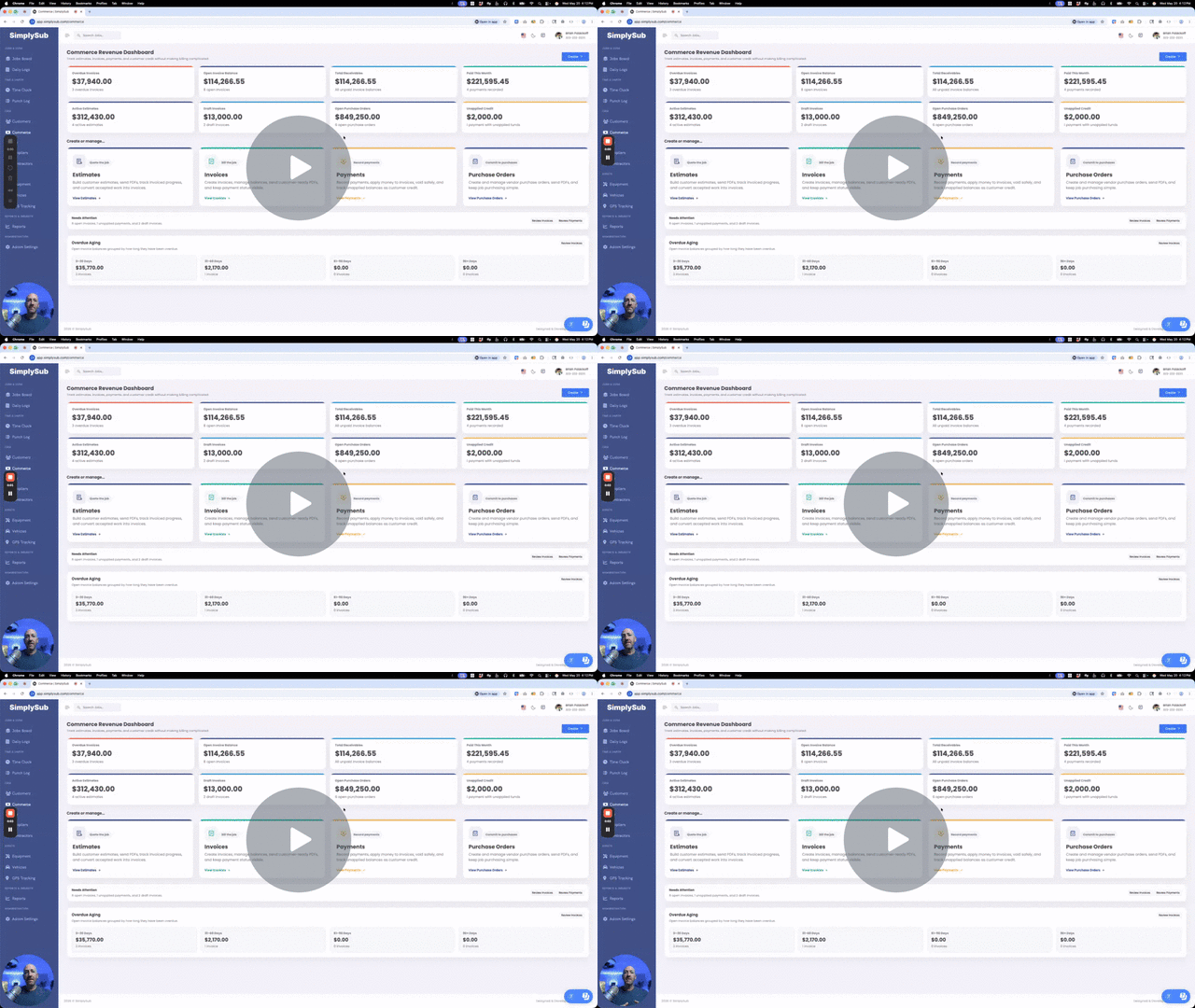
From estimate to invoice, every step stays connected
SimplySub keeps documents, approvals, signatures, terms, invoices, customers, jobs, and payments connected, so your team and your customer always know what comes next.
Simple Estimate Creation
Build clean estimates tied to the right customer and job without starting from scratch every time.
Cleaner Invoicing
Create and send invoices with job context, line items, balances, and customer details already organized.
A Better Customer Experience
Customers can review documents online, accept or decline estimates, sign digitally, and pay eligible invoices.
Everything you need to move from quote to payment
SimplySub gives subcontractors a practical billing workflow that is easy to use, easy to review, and connected to the actual job records your team already manages.
- Create estimates tied to the correct customer and job
- Convert approved estimates into invoices without rebuilding the work
- Collect estimate approvals and digital signatures online
- Include clear terms and conditions with customer-facing documents
- Create progress invoices when only part of the job is ready to bill
- Let customers securely review estimates and invoices through an online portal
- Offer online payment options and keep invoice balances up to date
- Send professional PDFs and emails with supporting attachments
Give customers a clear way to review, approve, decline, and sign estimates.
Share estimates and invoices through a simple online customer experience.
Bill partial work when the full job is not ready to invoice yet.
Billing stays connected to the actual job instead of floating around in separate files.
What this actually gives you
A professional, connected workflow for your office and your customers.
Simple Estimates
Create clean estimates tied to the right customer and job without extra spreadsheet work.
Cleaner Invoices
Build invoices with organized line items, job context, customer details, and billing totals.
Progress Invoicing
Invoice partial work when only part of the job is ready to bill.
Estimate to Invoice
Turn approved estimates into invoices without rebuilding the same work again.
Customer Portal
Give customers a secure online place to review estimates and invoices and complete available actions.
Digital Signatures
Collect customer signatures online without printing, scanning, or chasing paperwork.
Connected Job Billing
Keep customers, jobs, estimates, invoices, payments, and supporting records connected.
Terms & Conditions
Include your important terms directly with estimates and invoices for customers to review.
Professional Sending
Email polished estimates and invoices with PDFs and supporting attachments included.
Less Rework
Stop copying the same billing details between disconnected files and templates.
QuickBooks-Friendly
Keep records structured for cleaner QuickBooks follow-up and connected accounting workflows.
Save Time Every Week
Spend less time untangling billing and more time keeping jobs and cash flow moving.
How this actually gets used in the real world
This is the billing workflow your team is already managing. SimplySub just keeps it cleaner.
Before the job starts
Build an estimate with clear pricing and terms, then send it to the customer for online approval and a digital signature.
As job details build up
Keep billing tied to the real job context instead of trying to reconstruct it later.
When it’s time to get paid
Convert approved work into an invoice, send it through the customer portal, and offer the payment methods that fit the job.
When a customer asks questions
Pull up the estimate, signature, terms, invoice, payment history, and job context without scrambling through separate systems.
When billing gets busy
Keep the office organized so estimates and invoices do not turn into a weekly mess.
Estimates & invoicing FAQ
Straight answers for contractors who do not want more billing chaos.
It’s easier to keep billing simple than it is to untangle it after-the-fact.
You do not need disconnected templates, emailed signature pages, and separate customer links just to move a job from estimate to invoice. Start with one customer, one job, and one estimate, and see how much cleaner the entire experience can feel.
Built to support your business, not take it over.